Windows 7 Sync Center Not Working
Resolve Windows 7 Sync Center Not Working Issues
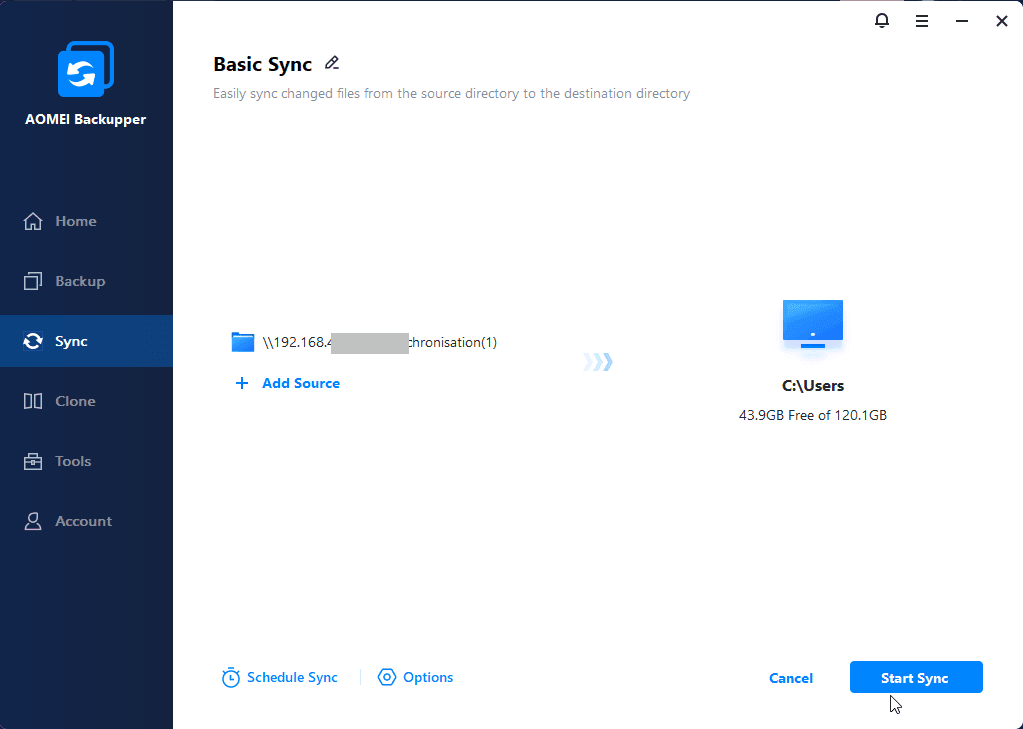
Windows 10 Sync Center Not Working - Fix or Replace It
Source: www.ubackup.com
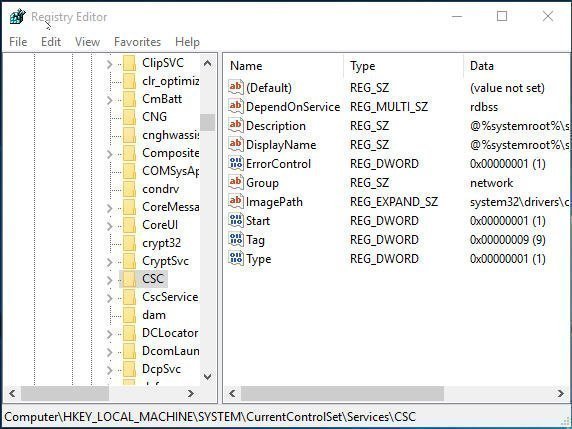
Windows 10 Sync Center Not Working - Fix or Replace It
Source: www.ubackup.com
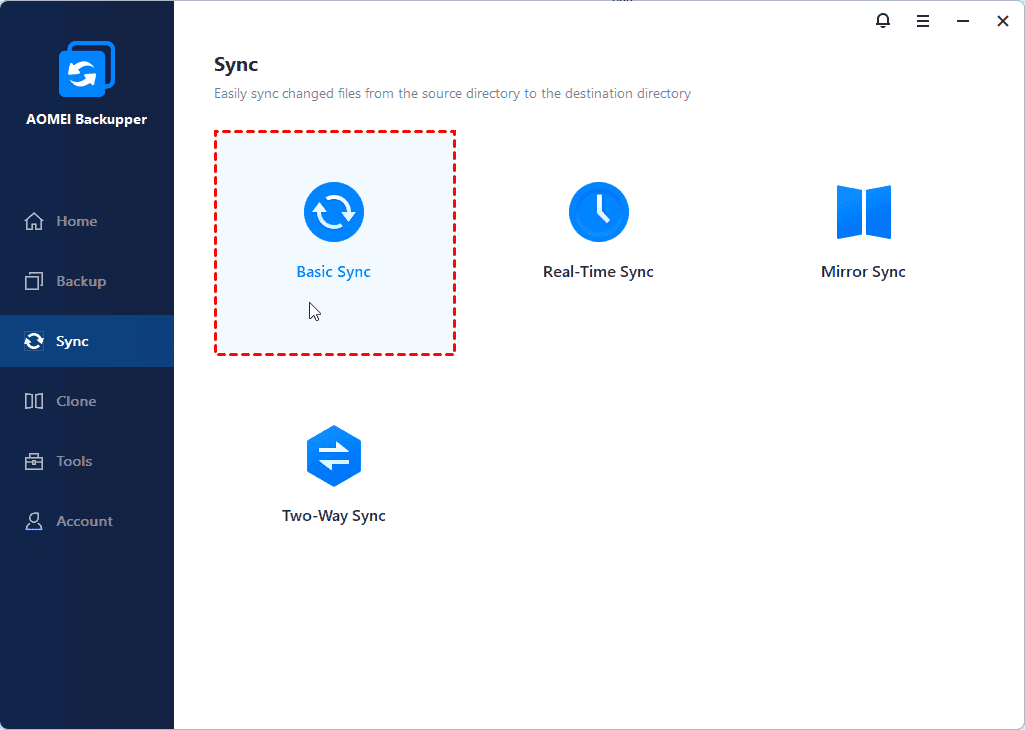
Windows 10 Sync Center Not Working - Fix or Replace It
Source: www.ubackup.com
is a common problem faced by many users, causing inconvenience and disruption to their work. Windows 7 Sync Center is a feature that helps synchronize data across multiple devices, making it a crucial component for many users. However, when it stops working, it can cause frustration and wasted time. In this article, we'll explore the possible causes of the issue and provide step-by-step solutions to get Windows 7 Sync Center up and running again.
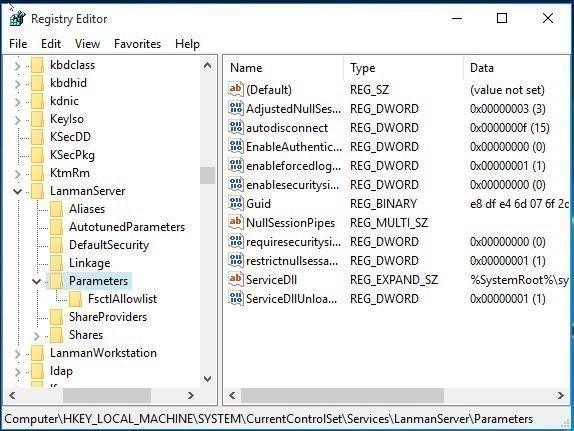
Windows 10 Sync Center Not Working - Fix or Replace It
Source: www.ubackup.com
Understanding the Windows 7 Sync Center
Windows 10 Sync Center Not Working - Fix or Replace It
Source: www.ubackup.com
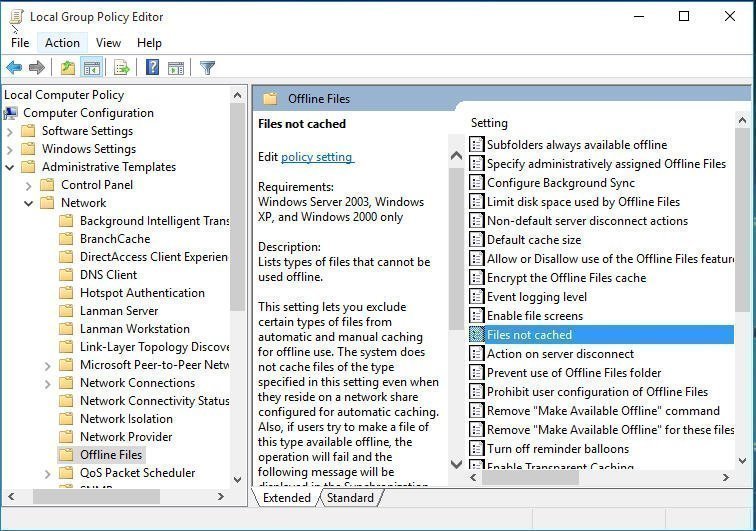
The Windows 7 Sync Center is a tool that enables users to synchronize data between their computers and other devices, such as mobile phones and external hard drives. It uses the Windows Sync Framework to synchronize files, folders, and settings across multiple devices.
Windows 10 Sync Center Not Working - Fix or Replace It
Source: www.ubackup.com
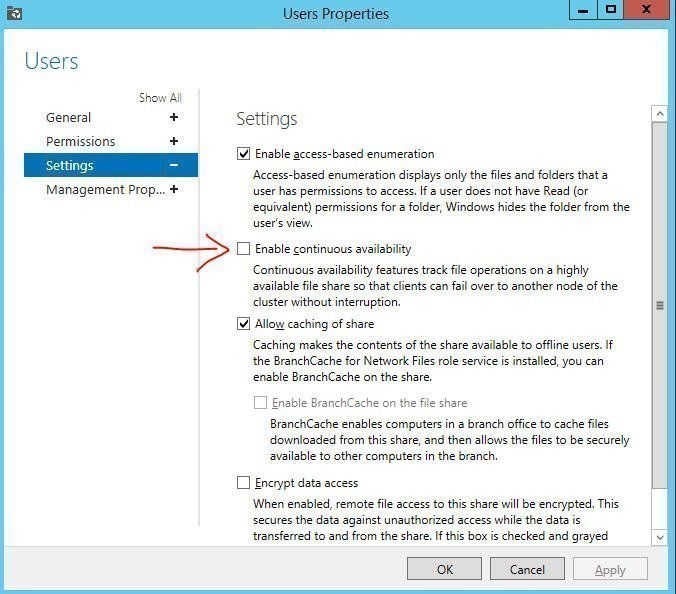
The Sync Center allows users to schedule synchronization tasks, specify which files and folders to sync, and even sync data over the internet or through a network connection.

Windows 10 Sync Center Not Working (Causes & Fixes)
Source: www.easeus.com
However, when the Sync Center stops working, it can cause problems with data consistency, loss of files, and even system crashes.
Windows 10 Sync Center Not Working (Causes & Fixes)
Source: www.easeus.com
Causes of Windows 7 Sync Center Not Working
Windows 10 Sync Center Not Working (Causes & Fixes)
Source: www.easeus.com
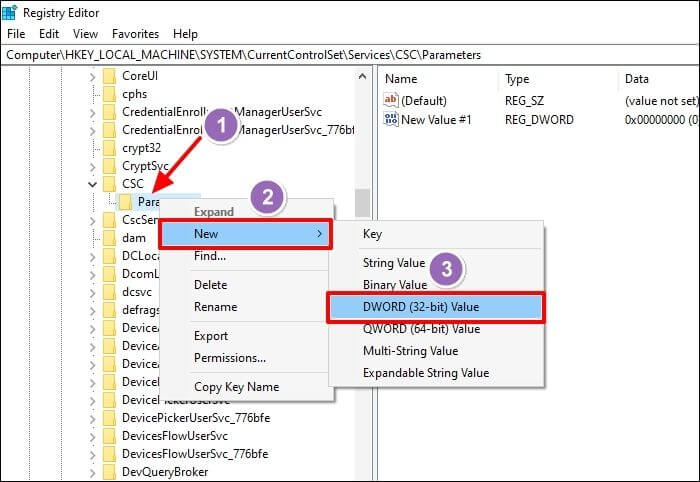
There are several reasons why the Windows 7 Sync Center might not be working:
Windows 10 Sync Center Not Working (Causes & Fixes)
Source: www.easeus.com
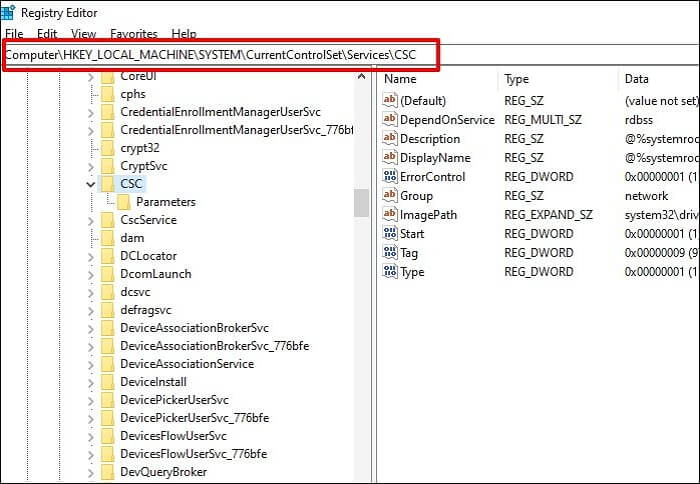
- Corrupt system files or registry entries
- Outdated or damaged Windows Sync Framework
- Conflicting applications or services
- Network connectivity issues
- Insufficient disk space or resource constraints

Windows 10 Sync Center Not Working (Causes & Fixes)
Source: www.easeus.com
In the next section, we'll explore each of these causes in more detail and provide troubleshooting steps to resolve the issue.
Windows 10 Sync Center Not Working (Causes & Fixes)
Source: www.easeus.com
Fixing Windows 7 Sync Center Not Working
Windows 10 Sync Center Not Working (Causes & Fixes)
Source: www.easeus.com
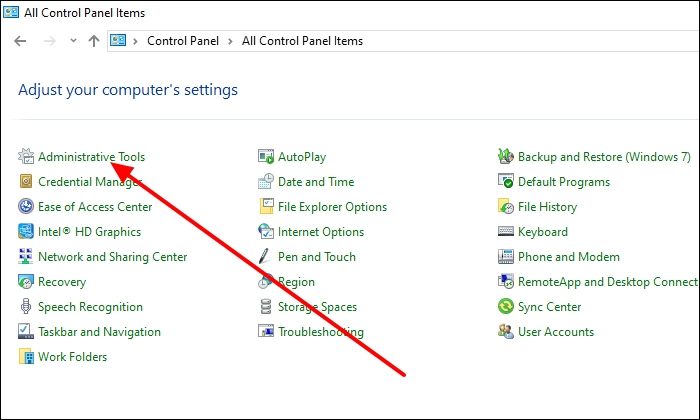
To resolve the issue, follow these step-by-step instructions:

Windows 10 Sync Center Not Working (Causes & Fixes)
Source: www.easeus.com
Check for corrupt system files:
- Run the System File Checker (SFC) tool by typing 'sfc /scannow' in the Command Prompt.
- Restart your computer and try using the Sync Center again.
Update or reinstall the Windows Sync Framework:
- Go to the Control Panel and click on 'Programs and Features.'
- Click on 'Turn Windows features on or off' and check if the Sync Center is listed.
- If it's not listed, try reinstalling it from the Control Panel or using the Windows Install option.
Disable conflicting applications or services:
- Press the Windows key + R to open the Run dialog box.
- Type 'services.msc' and press Enter to open the Services console.
- Look for any services related to the Sync Center and disable them.
Check network connectivity:
- Make sure your network connection is stable and functioning properly.
- Try restarting your router or modem if you're experiencing issues.
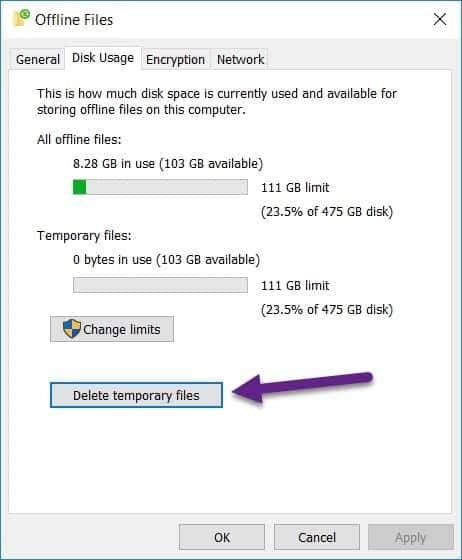
Free up disk space or resources:
- Close any unnecessary programs or background processes.
- Check your disk space usage and consider deleting unnecessary files or upgrading your storage.

Windows 10 Sync Center Not Working (Causes & Fixes)
Source: www.easeus.com
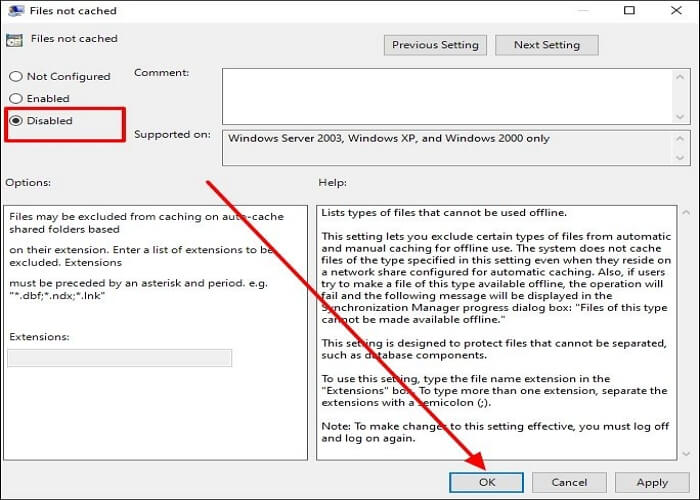
Comparison of Sync Center Issues
Windows 10 Sync Center Not Working (Causes & Fixes)
Source: www.easeus.com
| Issue | Description | Causes | Solutions |
|---|---|---|---|
| Sync Center not starting | Sync Center fails to launch or shows an error message. | Corrupt system files, outdated Sync Framework, conflicting applications or services. | Run SFC tool, update or reinstall Sync Framework, disable conflicting services. |
| Sync not working | Sync Center fails to synchronize files or data. | Network connectivity issues, insufficient disk space or resources. | Check network connectivity, free up disk space or resources. |
| Sync errors | Sync Center shows error messages during synchronization. | Corrupt system files, outdated Sync Framework, conflicting applications or services. | Run SFC tool, update or reinstall Sync Framework, disable conflicting services. |

How to Fully Disable Windows Sync Center - Stop Mobsync.exe
Source: windowsloop.com
Preventing Windows 7 Sync Center Issues
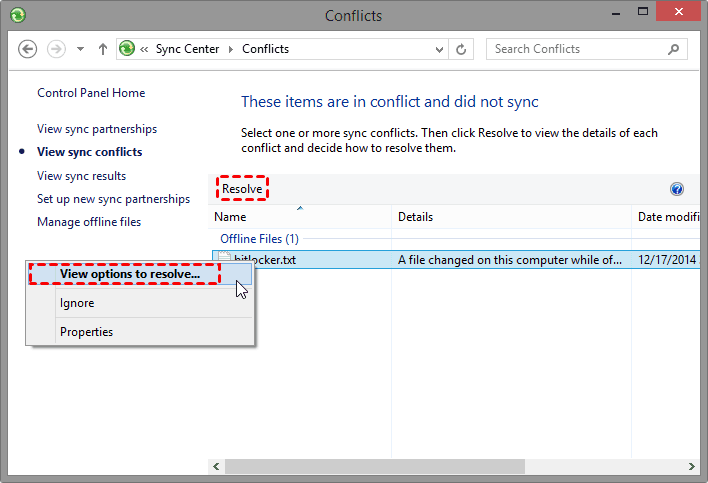
Resolve Sync Conflicts
Source: www.qilingtech.com
To prevent issues with the Windows 7 Sync Center, follow these best practices:
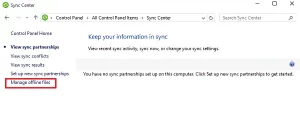
Windows Sync Center: Configure Files & Speed Up PC
Source: pressmaverick.com
- Regularly update the Windows Sync Framework and operating system.
- Disable any unnecessary applications or services that may conflict with the Sync Center.
- Monitor disk space usage and free up space as needed.
- Use a reliable network connection and consider using a network accelerator.

Sync Center - BetaWiki
Source: betawiki.net
By following these tips and troubleshooting steps, you should be able to resolve any issues with the Windows 7 Sync Center and keep your data synchronized across multiple devices.
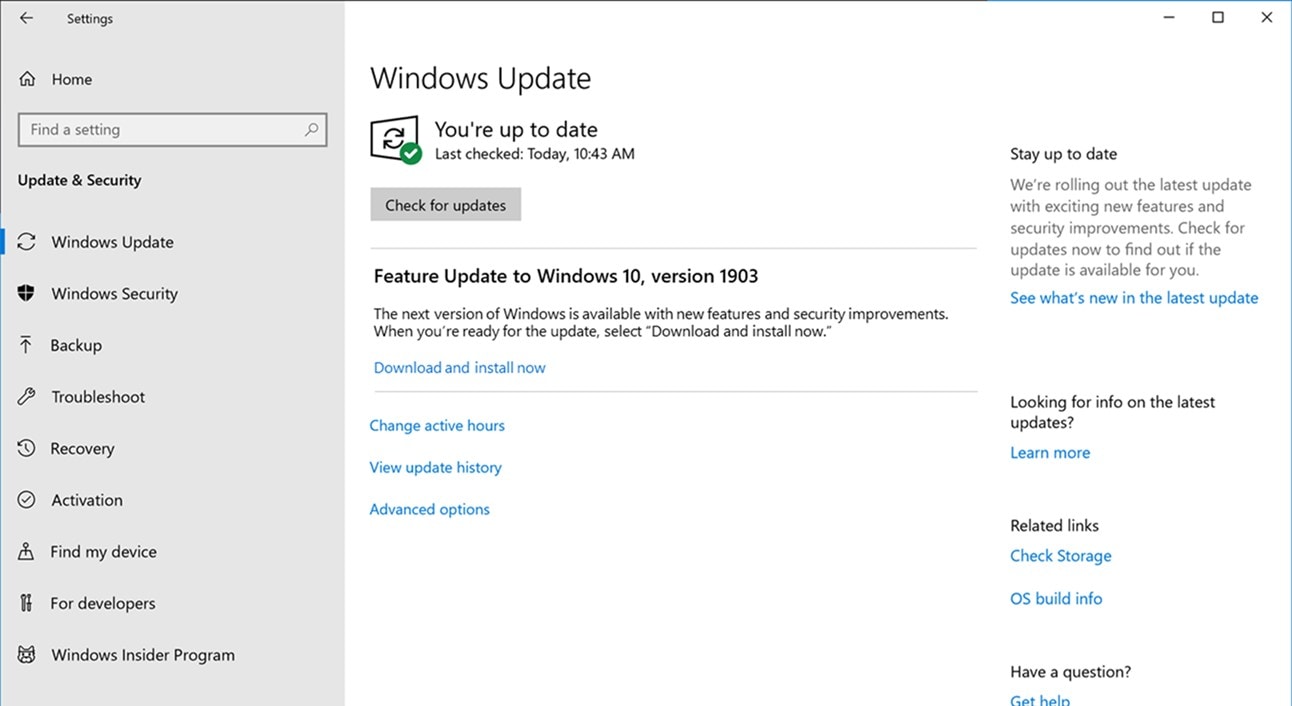
Windows 10 Sync Center Not Working? Try These 6 Fixes
Source: recoverit.wondershare.com
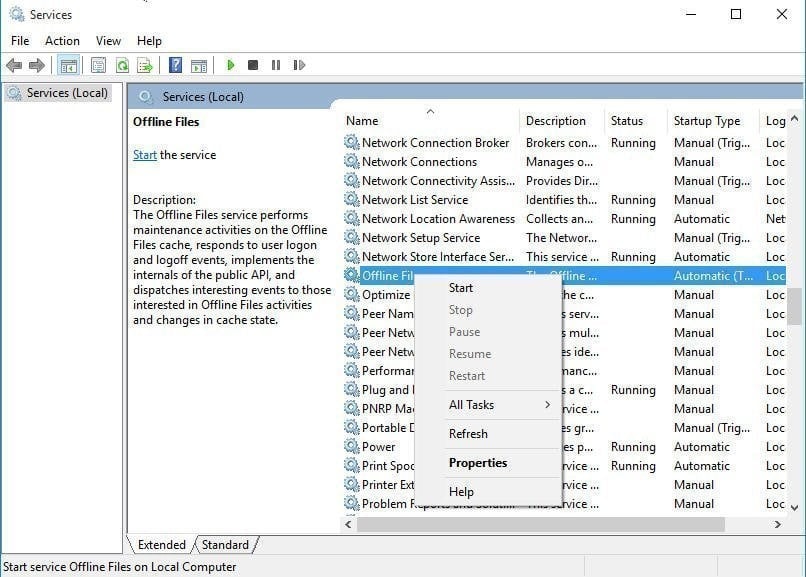
Windows 10 Sync Center Not Working? Try These 6 Fixes
Source: recoverit.wondershare.com
Windows 10 Sync Center Not Working? Try These 6 Fixes
Source: recoverit.wondershare.com

Windows 10 Sync Center Not Working? Try These 6 Fixes
Source: recoverit.wondershare.com
Microsoft Sync Center Conflicts | WNY Shared Business Network News
Source: blogs.cornell.edu